Automate inbound calls, outbound calls, and customer conversations.
TalkAgent gives businesses an AI voice assistant that answers calls, qualifies leads, books appointments, runs outbound campaigns, transfers important conversations, and connects with the tools your team already uses.
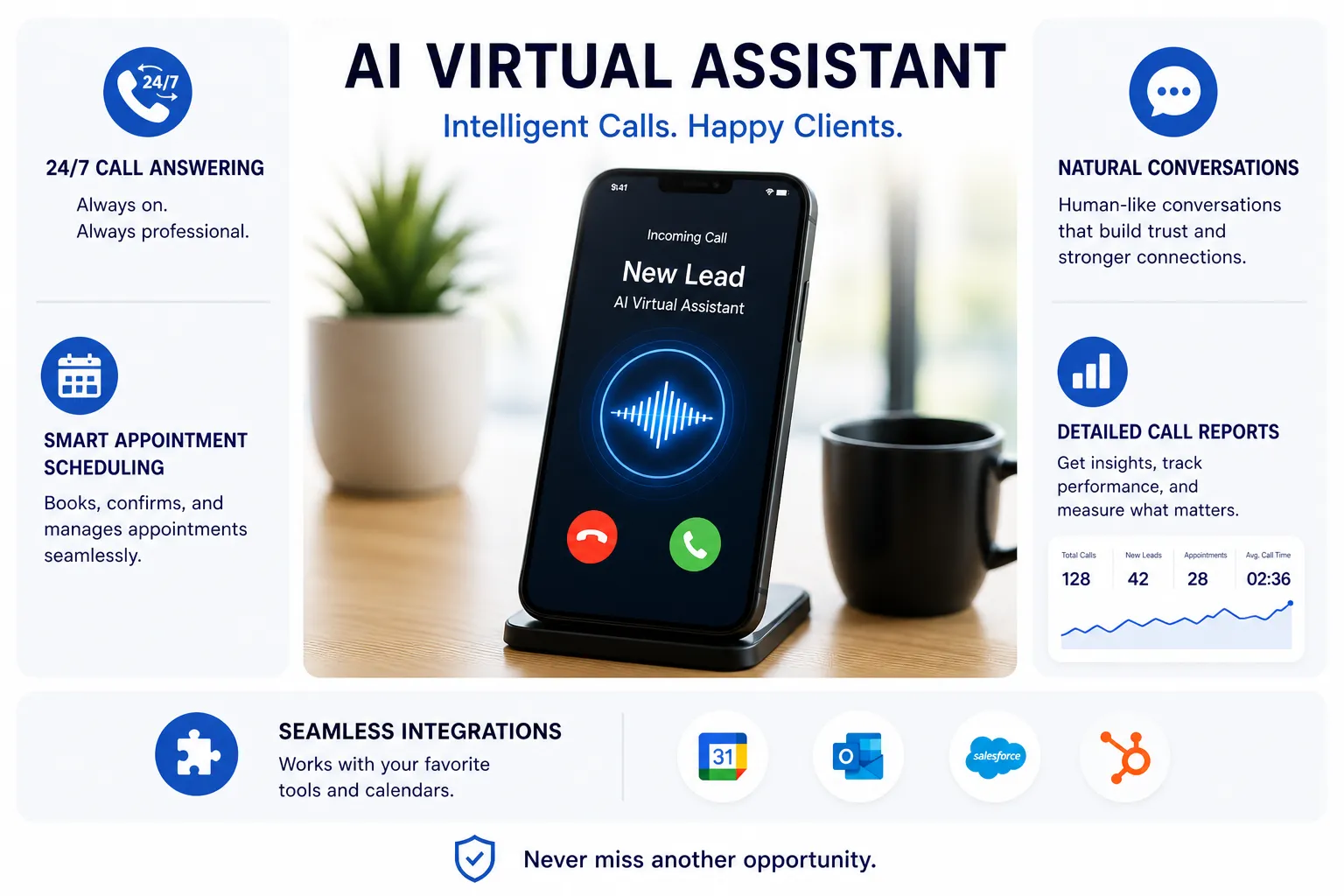
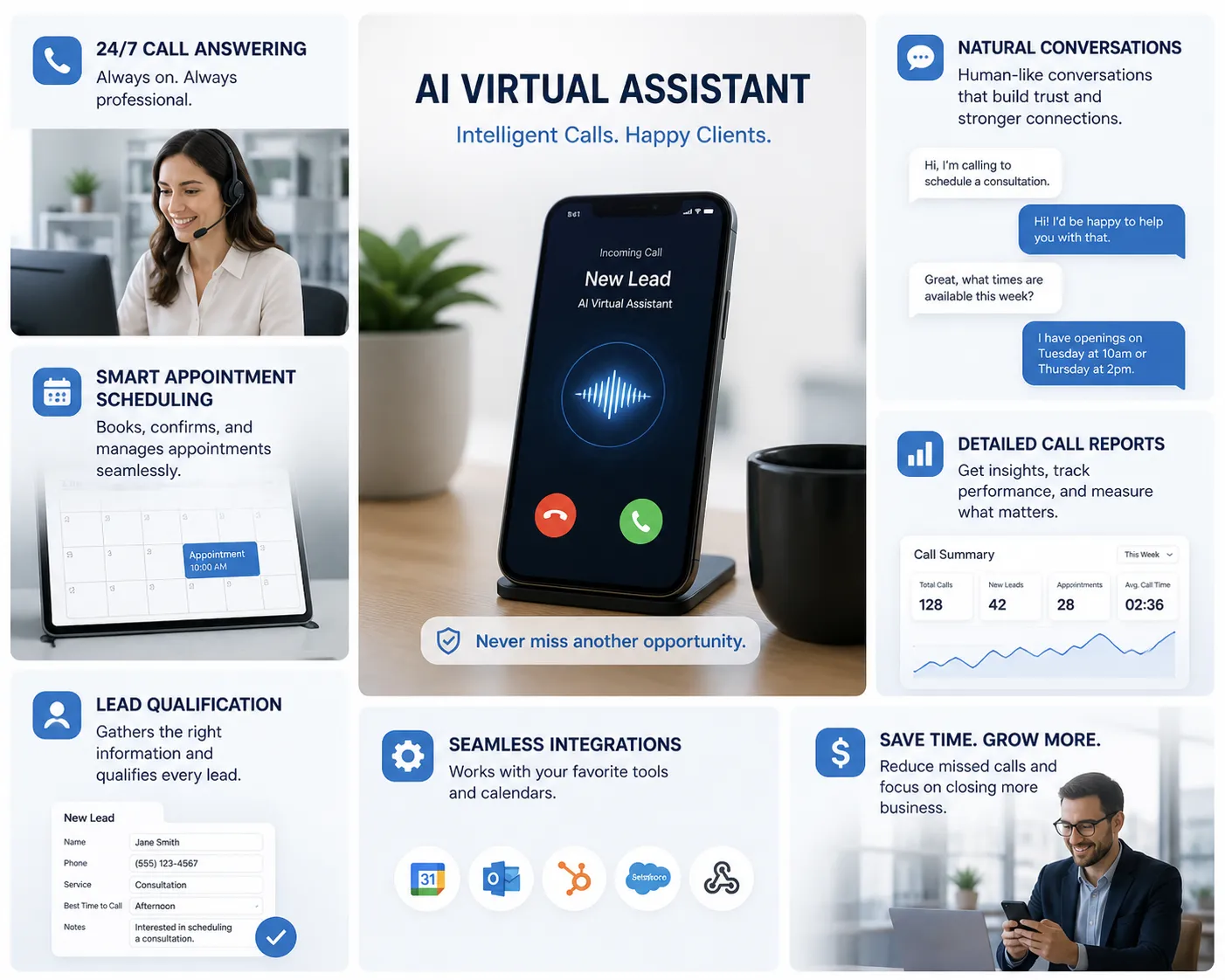
Complete call automation
One assistant for answering, calling, booking, routing, and follow-up.
Inbound call handling
Answer every incoming call with a fast, professional response.
24/7 call answering
Answer callers immediately, even when your team is busy, closed, or handling other work.
Natural conversations
Use conversational AI to understand caller intent and respond in a clear, helpful way.
FAQ handling
Answer common questions about hours, services, pricing basics, availability, and next steps.
Lead capture
Collect names, contact details, needs, timing, location, and other information automatically.
Lead qualification
Ask structured questions to identify caller intent, urgency, fit, and readiness.
Human transfer
Escalate calls to your team when the situation requires a live person or urgent handling.
Outbound calling
Reach leads, customers, and prospects automatically.
Outbound campaign
“Hi, I’m calling to follow up on your request.”
Your assistant can place outbound calls, qualify interest, confirm details, and schedule the next step.
Smart follow-up
“Would you like to schedule a time?”
Calls follow your campaign rules, qualification questions, retry logic, and escalation workflow.
Outbound campaigns
Call prospect or customer lists for follow-up, outreach, reminders, and reactivation.
Prospect qualification
Ask qualifying questions and identify which leads are worth immediate follow-up.
Meeting booking
Book appointments, demos, consultations, or callbacks directly during the conversation.
Reminders
Send appointment reminders, confirmation calls, or follow-up prompts to reduce no-shows.
Reactivation calls
Reach past customers, dormant leads, or previous inquiries with structured campaigns.
Campaign outcomes
Track call results, status, booked meetings, qualified leads, and follow-up needs.
Scheduling & customer experience
Move callers toward appointments, meetings, and the right next step.
The assistant does more than answer. It can help capture appointment intent, confirm availability, ask qualifying questions, and move callers toward scheduled conversations or service windows.
This helps reduce missed opportunities, repetitive admin work, and delays between first contact and follow-up.
Every conversation should end with a clear next step.
Appointment booking
Help callers schedule consultations, demos, appointments, service windows, or callbacks.
Calendar support
Connect scheduling workflows so callers can move directly toward available times.
Confirmations & reminders
Support reminders and follow-ups that help reduce no-shows and missed next steps.
AUTOMATION & INTELLIGENCE
Train the assistant on your business and control how conversations flow.
Use custom workflows, knowledgebase content, documents, call rules, qualification logic, and escalation paths to create a caller experience that matches your business.
The result is a consistent assistant that can answer questions, collect details, summarize calls, and prepare your team for follow-up.
Advanced features
A full call automation platform, not just an answering layer.
TalkAgent supports the core features businesses expect from an AI voice assistant: call handling, qualification, booking, workflow automation, reporting, integrations, multilingual support, and more.
Custom workflows
Define how calls should be handled for different caller needs, outcomes, and escalation paths.
Knowledgebase training
Train the assistant using your business information, FAQs, service details, and documents.
Call summaries
Generate concise summaries so your team can understand what happened without replaying every call.
Transcripts
Review call transcripts for follow-up, coaching, quality assurance, and operational insight.
Reports & analytics
Track outcomes, caller intent, booked appointments, campaign performance, and lead activity.
300+ integrations
Connect with CRMs, calendars, forms, spreadsheets, automation tools, and existing workflows.
100+ languages
Support callers and outreach campaigns across many languages, voices, and regional needs.
Voice customization
Choose voice style, tone, and language so the assistant sounds appropriate for your brand.
Phone numbers
Use dedicated numbers, call forwarding, or number workflows depending on how calls enter your business.
Parallel calls
Handle multiple calls at the same time so callers are not stuck waiting during busy periods.
No-code builder
Create and adjust call flows without needing custom development or engineering resources.
WhatsApp chatbot
Extend conversation automation beyond phone calls into messaging-based customer interactions.
Want to hear it in action?
See how the assistant answers, calls, qualifies, and books.
Book a short demo to hear real call scenarios and understand how the platform fits your workflow.
Platform capabilities
Built for scale, flexibility, and operational control.
Whether you are answering inbound calls or running outbound campaigns, the assistant can support higher call volume, structured workflows, and consistent reporting across your business.
Inbound and outbound support
Use the same platform to answer incoming calls and place outbound calls for follow-up, qualification, and reminders.
Works with your tools
Connect with the systems your team already uses for scheduling, CRM, forms, and workflow automation.
Scales during busy periods
Handle concurrent calls and campaigns without relying only on staff availability.
SECURITY & COMPLIANCE
Use automation with the right controls in place.
AI voice automation should support responsible workflows, auditability, and compliance-aware practices for both inbound and outbound calls.
Data protection
Support secure call handling practices, encrypted systems, and controlled access to call information.
Consent-aware workflows
Build call flows that support disclosure, opt-out, and appropriate caller handling rules.
Audit trail
Use transcripts, summaries, recordings, and outcomes to understand what happened in each conversation.
Outbound safeguards
Support calling windows, suppression lists, and opt-out handling for outbound campaign workflows.
Human escalation
Transfer complex or sensitive situations to a person when a call should not remain automated.
Operational Impact
Inbound coverage
Outbound campaigns
Reports and call insights
Resources
FAQ
Common questions about AI voice assistant features
Can the assistant handle both inbound and outbound calls?
Yes, the assistant can support incoming call answering as well as outbound calls for follow-up, reminders, qualification, and campaigns.
Can it book appointments?
Yes, it can help callers request appointments, schedule next steps, and support calendar-based workflows.
Can it connect with my existing systems?
Yes, the platform can connect with CRMs, calendars, automation tools, forms, spreadsheets, and other workflow systems.
Can it transfer calls to a human?
Yes, calls can be routed or escalated based on urgency, caller request, qualification status, or your workflow rules.
What happens next
A simple path from feature review to live call automation.
The goal is to help you identify the features that matter most for your business, then configure a practical workflow around them.
Review your call needs
We look at inbound calls, outbound follow-up, scheduling needs, escalation rules, and reporting needs.
Choose the right workflows
Your assistant is configured around your call types, questions, booking process, and tool connections.
Launch and improve
You review call behavior, outcomes, and transcripts so the workflow can improve over time.
Ready to see the platform?
See the full AI voice assistant feature set in action.
Book a short demo to hear how TalkAgent answers calls, places outbound calls, qualifies leads, books appointments, transfers callers, and summarizes conversations.
Takes 2 minutes • No commitment • See real call scenarios before you decide.